Samsung
Samsung's Stats
Reviews
- Review Count0
- Helpfulness Votes0
- First ReviewNone
- Last ReviewNone
- Featured Reviews0
- Average Rating0
Reviews Comments
- Review Comment Count0
- Helpfulness Votes0
- First Review CommentNone
- Last Review CommentNone
- Featured Review Comments0
Questions
- Question Count0
- Helpfulness Votes0
- First QuestionNone
- Last QuestionNone
- Featured Questions0
- Answer Count74227
- Helpfulness Votes37,974
- First AnswerApril 24, 2013
- Last AnswerSeptember 13, 2026
- Featured Answers0
- Best Answers3948
Samsung's Reviews
Samsung has not submitted any reviews.
Samsung's Questions
Samsung has not submitted any questions.
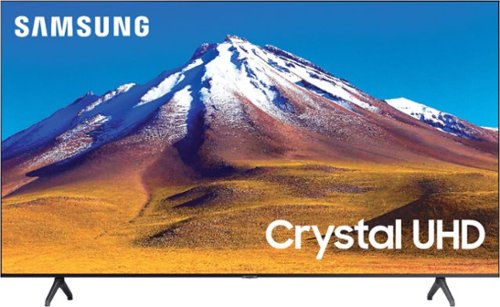
Samsung - 70" Class 6 Series LED 4K UHD Smart Tizen TV
Enhance your viewing experience with this 70-inch Samsung 4K UHD smart TV. The HDR technology and 4K UHD resolution render sharp details and realistic colors, while a Crystal processor delivers exceptional picture quality on the flat-panel display.
Is there a big difference between the 6th & 7th series? Also what are those specific differences exactly?

Hi David, the TU7000 introduces our Crystal Display which gives you crystal-clear colors that are fine-tuned to deliver a naturally crisp and vivid picture, and our Crystal UHD Processor, which brings stunning clarity to everything you already watch and powerfully upscales 4K to ensure that you always get life-like 4K resolution no matter the source. Great question! ^Scott
5 years, 10 months ago
by
Posted by:
Samsung
Samsung - 70" Class 6 Series LED 4K UHD Smart Tizen TV
Enhance your viewing experience with this 70-inch Samsung 4K UHD smart TV. The HDR technology and 4K UHD resolution render sharp details and realistic colors, while a Crystal processor delivers exceptional picture quality on the flat-panel display.
Can you mount this TV? I don't see any mount holes on the back in the picture
Hi, the 70" TU6980 uses a 400 x 400mm VESA mount. So any size appropriate mount should work great. Check them out here: https://www.bestbuy.com/site/shop/tv-mounts. Cheers! ^Scott
5 years, 10 months ago
by
Posted by:
Samsung
Samsung - 70" Class 6 Series LED 4K UHD Smart Tizen TV
Enhance your viewing experience with this 70-inch Samsung 4K UHD smart TV. The HDR technology and 4K UHD resolution render sharp details and realistic colors, while a Crystal processor delivers exceptional picture quality on the flat-panel display.
A lot of people seem unhappy with the remote quality and lag time, can you purchase a different remote to use with this tv that is better?
Hi Dani, the 70" TU6980 is compatible with virtually any universal remote on the market today. It could potentially be a cache issue though. Try this: Take your Samsung smart tv remote and press on the Home icon button and select; * Broadcasting *Expert Settings *HbbTV *Delete Browsing Data. A dialog box then opens on your Tv’s screen, and you can delete the cookies on your tv. Good luck Dani! ^Scott
5 years, 10 months ago
by
Posted by:
Samsung
Samsung - 70" Class 6 Series LED 4K UHD Smart Tizen TV
Enhance your viewing experience with this 70-inch Samsung 4K UHD smart TV. The HDR technology and 4K UHD resolution render sharp details and realistic colors, while a Crystal processor delivers exceptional picture quality on the flat-panel display.
What is the weight?
Hi Bobby, the 70" TU6980 is 54.5 lbs. Enjoy your day! ^Scott
5 years, 10 months ago
by
Posted by:
Samsung
Samsung - 70" Class 6 Series LED 4K UHD Smart Tizen TV
Enhance your viewing experience with this 70-inch Samsung 4K UHD smart TV. The HDR technology and 4K UHD resolution render sharp details and realistic colors, while a Crystal processor delivers exceptional picture quality on the flat-panel display.
What is the main difference between the 6 and 7 series? It’s not that clear in the compare option that’s offered.
Hi Droc, The TU7000 introduces our Crystal Display which gives you crystal-clear colors that are fine-tuned to deliver a naturally crisp and vivid picture, and our Crystal UHD Processor, which brings stunning clarity to everything you already watch and powerfully upscales 4K to ensure that you always get life-like 4K resolution no matter the source. Great question! ^Scott
5 years, 10 months ago
by
Posted by:
Samsung
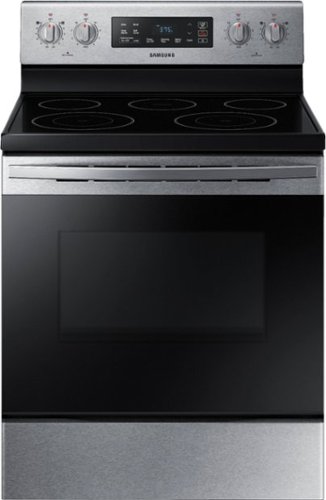
Samsung - 5.9 cu. ft. Freestanding Electric Range with Self-Cleaning - Stainless Steel
The Samsung freestanding range with a large 5.9 cu. ft. capacity oven can easily accommodate a big roast, multiple casserole dishes, or two racks of cookies. It also has a powerful and flexible cooktop with five heating elements, including two dual elements, to provide an element that accommodates multiple pan sizes, whether you're boiling water, melting chocolate, or simmering sauce. The self-cleaning setting has 3 different options, depending on your cleaning needs.
What do flashing lights next to and underneath the clock mean?
We would love the opportunity to speak to you about your concerns on the flashing lights on your range. Please feel free to reach out to me directly via one of the following options and reference ticket number #1142616133.
1. Facebook Messenger: http://m.me/samsungsupport
2. Twitter: https://twitter.com/messages/compose?recipient_id=18768513
We thank you for choosing Samsung for your home! ^Lena
1. Facebook Messenger: http://m.me/samsungsupport
2. Twitter: https://twitter.com/messages/compose?recipient_id=18768513
We thank you for choosing Samsung for your home! ^Lena
5 years, 10 months ago
by
Posted by:
Samsung
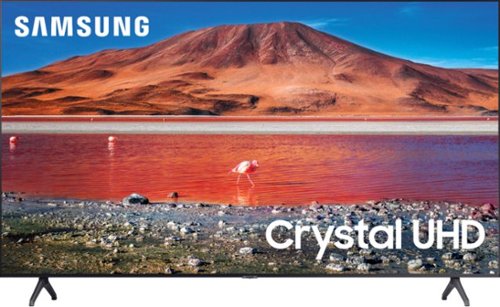
Samsung - 82 Class 6 Series LED 4K UHD Smart Tizen TV
Enhance your viewing experience with this 82-inch Samsung 4K UHD smart TV. The HDR technology and 4K UHD resolution render sharp details and realistic colors, while a Crystal processor delivers exceptional picture quality on the flat-panel display. This Bluetooth-enabled Samsung 4K UHD smart TV is voice controllable for hands-free operation and seamless wireless streaming
Hello I want to know if I buy this TV and I have Spectrum cable can my home page still be the Spectrum channel guide.
Hi BHelen, your TV will default to whatever you were watching last when you turned it off. As such, there is no "home page" as such. So if you are watching Spectrum when you turned it off, it is what you will be watching when you turn it on. There is no way to default to a certain section of Spectrum like the guide page however. I hope this helped! ^Scott
5 years, 10 months ago
by
Posted by:
Samsung
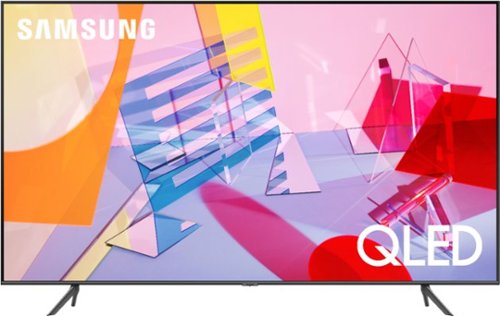
Samsung - 50" Class Q60T Series QLED 4K UHD Smart Tizen TV
Enjoy your TV experience with this UHD Samsung smart television. The ultrafast Quantum Processor optimizes and upscales content for impressive results, while the warm and cool LED backlights enhance contrast details. Tizen powers this Samsung smart television with next-generation apps and a host of enhancements that elevate your watching experience.
Do you have to go thru all the set up for using the bluetooth headphones each time or should the tv automatically connect by hitting the home button.so far it wont And the connect box wont appear
Hi there, once you have paired the headphones with the TV you will be asked if you want to connect to the headphones every time the TV senses they are turned on. If your TV isn't doing this please contact us at your convenience here: https://www.samsung.com/us/support/televisions-home-theater/televisions. Thanks! ^Scott
5 years, 10 months ago
by
Posted by:
Samsung
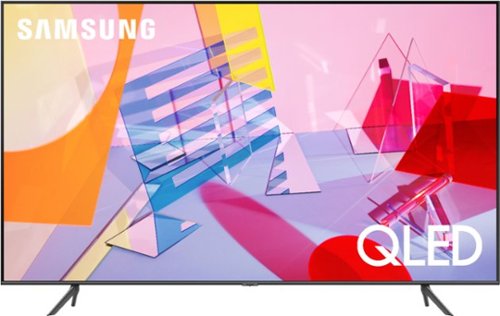
Samsung - 55" Class Q60T Series QLED 4K UHD Smart Tizen TV
Enjoy immersive viewing with this 55-inch Samsung QLED Smart TV. The Quantum HDR technology enhances contrast and makes colors look rich and vibrant, and native 4K resolution offers a cinematic viewing experience. This Samsung QLED Smart TV has an intuitive interface that makes it easy to find content on a variety of streaming services.
do i remove the white strips on each end of my screen
Hi Duke59, You can remove the white strips, they are there to protect the screen while still in the box. Enjoy your new TV! ^Scott
5 years, 10 months ago
by
Posted by:
Samsung
Samsung - 50" Class Q60T Series QLED 4K UHD Smart Tizen TV
Enjoy your TV experience with this UHD Samsung smart television. The ultrafast Quantum Processor optimizes and upscales content for impressive results, while the warm and cool LED backlights enhance contrast details. Tizen powers this Samsung smart television with next-generation apps and a host of enhancements that elevate your watching experience.
Is it possible to have my Windows pc show on say half the TV screen and the other half watch a cable channel?
Hi IZNY, You can't split an image from a "mirrored" PC. You can from a phone with this TV however. The available combinations from a phone with Samsung Multi-View are: On the left screen: You can play Samsung TV Plus, TV apps, HDMI devices, Antenna or Cable, or USB devices.On the right screen: You can screen mirror, use AirPlay, cast from an app, or cast from an IoT camera. I hope this helps! ^Scott
5 years, 10 months ago
by
Posted by:
Samsung