Lenovo Product Expert
Lenovo Product Expert's Stats
Reviews
- Review Count0
- Helpfulness Votes0
- First ReviewNone
- Last ReviewNone
- Featured Reviews0
- Average Rating0
Reviews Comments
- Review Comment Count0
- Helpfulness Votes0
- First Review CommentNone
- Last Review CommentNone
- Featured Review Comments0
Questions
- Question Count0
- Helpfulness Votes0
- First QuestionNone
- Last QuestionNone
- Featured Questions0
- Answer Count37918
- Helpfulness Votes24,858
- First AnswerApril 21, 2014
- Last AnswerOctober 21, 2026
- Featured Answers0
- Best Answers2831
Lenovo Product Expert's Reviews
Lenovo Product Expert has not submitted any reviews.
Lenovo Product Expert's Questions
Lenovo Product Expert has not submitted any questions.
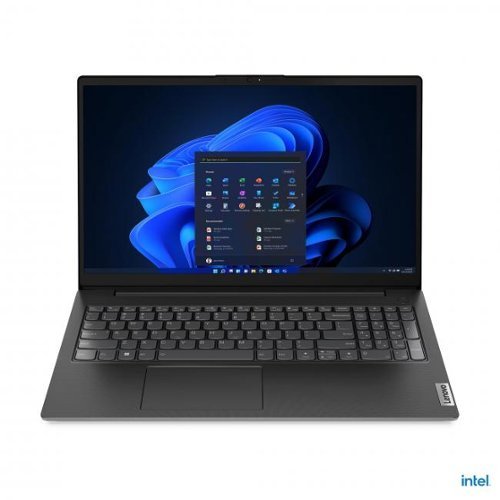
Lenovo V15 G4 IRU 15.6 inch laptop with Intel Core i7 13620H 16GB RAM 1TB SSD Full HD anti glare display and privacy shutter for reliable daily performance.
Is the RAM upgradable?

Hi Dave, thanks for your question. This Lenovo V15 G4 comes with 8GB of RAM soldered to the board, plus an open slot that users can use to add more memory. Lenovo has tested that the system supports up to 16GB of DDR4 RAM. If you’d like help choosing the right upgrade, Lenovo Support can assist at 1‑855‑253‑6686. Please feel free to reach out to us if you have any further questions.
1 month, 2 weeks ago
by
Posted by:
Lenovo Product Expert
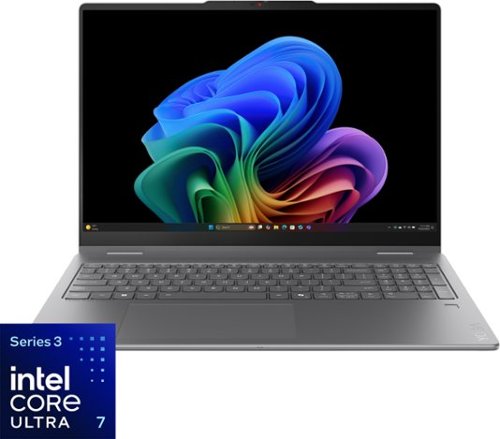
It~s inspiration all around with the Lenovo Yoga 7i 2-in-1, delivering 360~ of flexibility, impressive performance, and ultra-immersive audio-visuals. Primed with creating power from up to the latest Intel Core Ultra processor, you can unleash greatness in every way. The larger 16~ 16:10 WUXGA display makes entertainment and creative projects come to life like never before. All that with a fast-charging battery and all the ports you need, it's your art studio, home office, and cinema all in one.
For model 83TE001PUS, what is the PCIe lane configuration of the internal M.2 NVMe slot? Specifically, is the slot electrically wired as PCIe 4.0 ×4 or PCIe 4.0 ×2?
Hi SHAWNSY, thanks for your question. This Lenovo Yoga 7i is configured with one M.2 2242 PCIe® 4.0 x4 slot. Please feel free to reach out to us if you have any further questions.
1 month, 2 weeks ago
by
Posted by:
Lenovo Product Expert

The Lenovo Digital Pen 2 is a testament to innovation and user-centric design. With an enhanced grip, elastomer pen tip for precision, extended battery life, and quick-access buttons, it provides an elevated creative experience. Whether you're a professional artist, a student, or simply someone who values seamless functionality, this pen is designed to transform your digital interactions into natural and fluid expressions. Unleash your creativity, sign documents with finesse, and sketch your imagination into reality with the Lenovo Digital Pen 2.
does it already come with batteries or do I need to buy some2?
Hi Maya, thanks for your question. Yes, the Lenovo Digital Pen 2 comes with the AAAA battery you need to start using the stylus right away. Please feel free to reach out to us if you have any further questions.
1 month, 2 weeks ago
by
Posted by:
Lenovo Product Expert
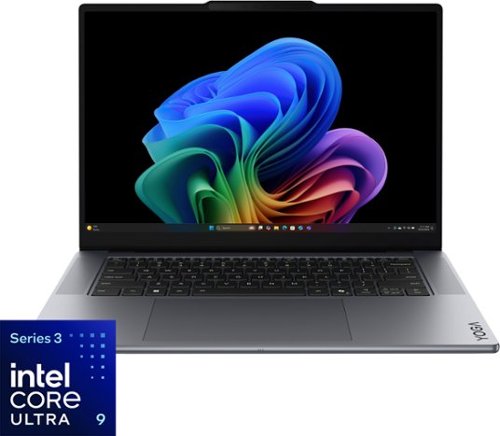
Turn your vision into reality with smarter tools and connections. The Yoga Pro 7i Aura Edition, powered by Intel Core Ultra processors and NVIDIA discrete graphics, boosts AI-driven performance for seamless rendering, multitasking, and edits. Lenovo X Power keeps it cool, while the PureSight Pro Tandem OLED display brings your work to life with vivid colors.
What stylus pen works with this laptop?
Hi Lap, thanks for your question. This Lenovo Yoga Pro 7i Aura Edition does not include compatibility for pen or stylus input. Please feel free to reach out to us if you have any further questions.
1 month, 2 weeks ago
by
Posted by:
Lenovo Product Expert
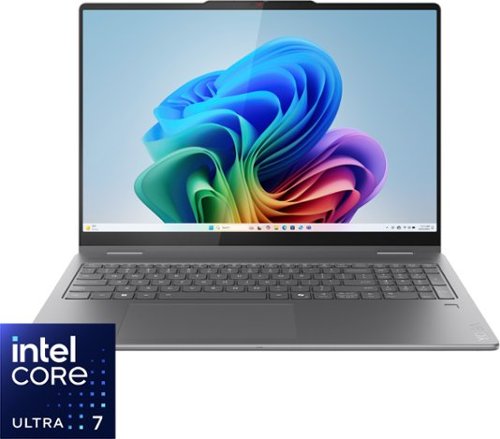
Create anywhere with the Yoga 7i 2-in-1. Its 360~ design, touchscreen, and optional Yoga Pen let you sketch, edit, or present like a pro. Powered by Intel Core Ultra Processor and a 40+ TOPS NPU, this Copilot+ PC balances power and efficiency. The 16" LCD display with 60Hz refresh and Dolby Vision delivers stunning visuals.
Does it have cellular service built in?
Hi Jc, thanks for your question. This Lenovo Yoga 7i does not support cellular capabilities. If that feature is important to you, we’d be happy to help you find a system that meets your needs. Please feel free to reach out to us if you have any further questions.
1 month, 2 weeks ago
by
Posted by:
Lenovo Product Expert
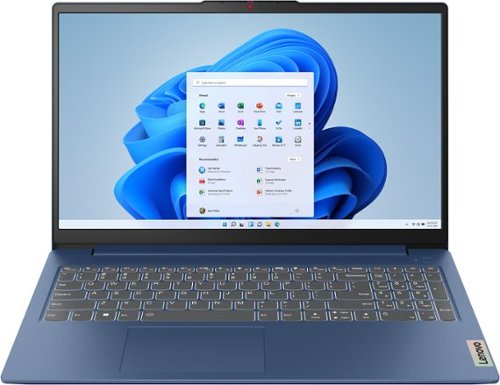
The slim, lightweight and military-grade resilient IdeaPad Slim 3 is built for smart and heavy work and study on the go, featuring AMD Ryzen processors and Smart Power.
is this computer hearing aid compatible?
Hi BEV, thanks for your question. Yes, this Lenovo IdeaPad Slim 3 offers Bluetooth 5.2, allowing you to connect to most audio devices, including hearing aids. We recommend checking with your hearing aid manufacturer to confirm compatibility and any specific pairing requirements. Please feel free to reach out to us if you have any further questions.
1 month, 2 weeks ago
by
Posted by:
Lenovo Product Expert
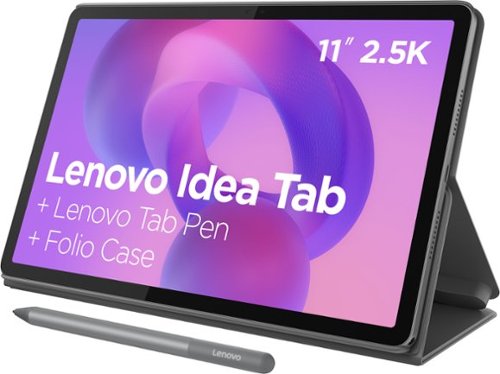
Make studying smoother and staying on track easier with the Lenovo Idea Tab, your AI-powered study buddy. The 11~ 2.5K display with a 90Hz refresh rate and quad Dolby Atmos speakers deliver clear visuals and rich sound for focused learning, lectures and fun. Need help on the spot? Instantly search or translate information on your screen with Circle to Search with Google, all without switching apps, enhanced by the Lenovo Tab Pen with 40% improved latency for smoother, more natural writing. Open the Notepad app and use Lenovo AI Notes to keep writing when you~re stuck, rephrase messy notes, or quickly summarize long content. Powered by the MediaTek D6300 with up to 70% more power*, multitasking feels smooth and effortless. Add the Pogo-pin Folio Keyboard (sold seperately) for easy typing, and count on all-day battery life to keep up wherever your day takes you.
Can this tablet connect to a keyboard
Hi, thanks for your question. Yes, you can connect a keyboard to this Lenovo Idea Tab through either Bluetooth/wireless or a wired connection. Please feel free to reach out to us if you have any further questions.
1 month, 2 weeks ago
by
Posted by:
Lenovo Product Expert
Make studying smoother and staying on track easier with the Lenovo Idea Tab, your AI-powered study buddy. The 11~ 2.5K display with a 90Hz refresh rate and quad Dolby Atmos speakers deliver clear visuals and rich sound for focused learning, lectures and fun. Need help on the spot? Instantly search or translate information on your screen with Circle to Search with Google, all without switching apps, enhanced by the Lenovo Tab Pen with 40% improved latency for smoother, more natural writing. Open the Notepad app and use Lenovo AI Notes to keep writing when you~re stuck, rephrase messy notes, or quickly summarize long content. Powered by the MediaTek D6300 with up to 70% more power*, multitasking feels smooth and effortless. Add the Pogo-pin Folio Keyboard (sold seperately) for easy typing, and count on all-day battery life to keep up wherever your day takes you.
Will this tablet receive Android updates and security patches and for how long?
Hi, thanks for your question. This Idea Tab model is scheduled to update to Android 17 and receive security/maintenance updates until 2029/8/1. Please feel free to reach out to us with any other questions.
1 month, 2 weeks ago
by
Posted by:
Lenovo Product Expert
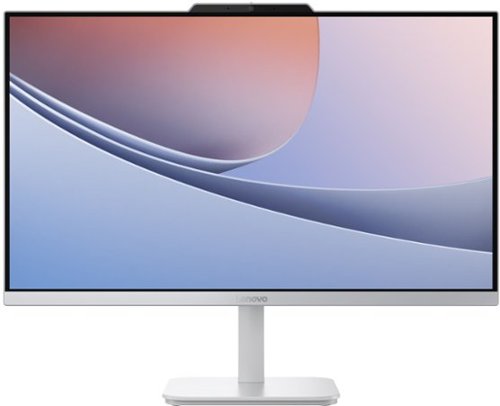
Blend style with functionality for your home with this sleek all-in-one desktop. This space-saving unibody design features a stunning 23.8" FHD display with ultra-thin 3-side bezels. Powered by an Intel N100 processor, the Lenovo A100 is perfect for everyday tasks at a great value.
Will it connect to my wi-fi?
Hi, thanks for your question. Yes, this Lenovo A100 All‑in‑One works with Wi‑Fi® 6, giving you faster, steadier connections even when the network is busy. Please feel free to reach out to us if you have any further questions.
1 month, 2 weeks ago
by
Posted by:
Lenovo Product Expert
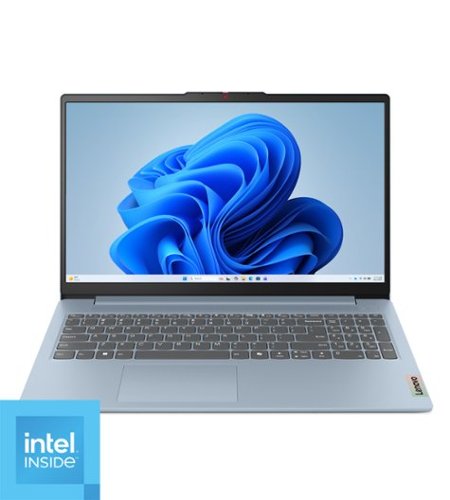
Impossibly slim, the Lenovo IdeaPad Slim 3i is amazingly dynamic and remarkably smart to take your work and play to the next level. Combined with an array of AI-driven productivity features, you~ve got the full works right in your hands.
is this a new product not refurbished or rebuilt?
Hi mic, thanks for your question. Yes, the Lenovo IdeaPad Slim 3i comes brand new in its original, factory-sealed packaging. Please feel free to reach out to us if you have any further questions.
1 month, 2 weeks ago
by
Posted by:
Lenovo Product Expert